
Why free website builders are the creative playground you need
Free website builders remove many of the technical hurdles that stifle creative projects. Whether you’re testing a new side hustle, sharing a portfolio, or launching a community blog, these tools let you experiment with layouts, imagery, and content without upfront costs. If you’re just getting started, a good place to explore core features and options is the overview section on website creation, which helps you understand what to expect from modern builders before you dive in.

Getting started: pick the right builder and template
Choosing the right free website builder is less about finding the fanciest editor and more about matching tool strengths to your goals. Look for drag-and-drop editors, a clear preview mode, and import/export options so you aren’t locked in. For a straightforward walkthrough of builder types and their tradeoffs, review the website builder guide.
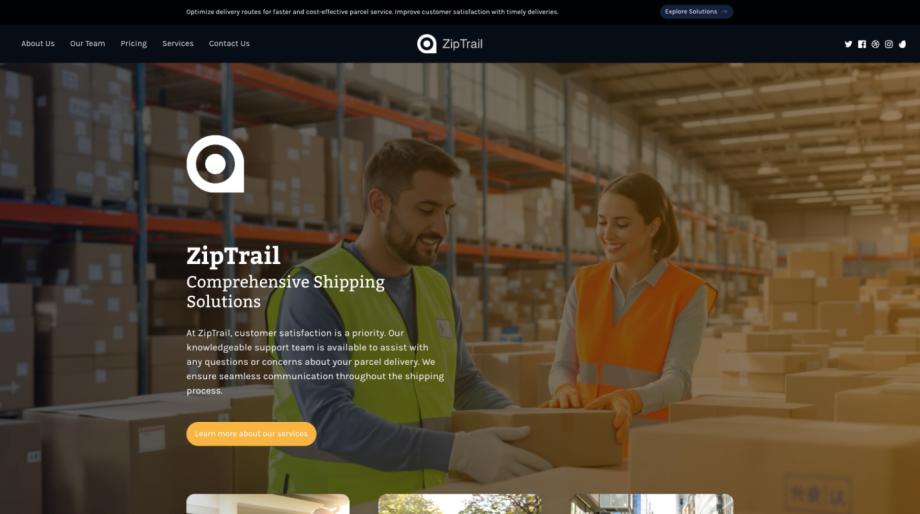
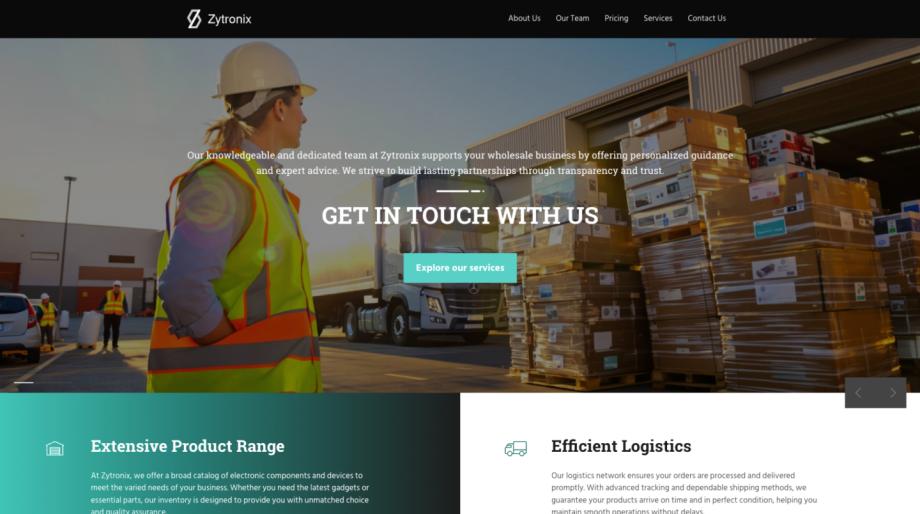
Templates accelerate creativity and keep design consistent. Begin by browsing a well-organized template library to find layouts that echo your vision-then customize colors, typography, and images. If you’re creating a personal project, templates for portfolios and blogs are a great starting point; see examples in the personal website & blogs section for inspiration.
Design smarter: responsiveness, branding, and content strategy
Great sites are more than pretty pictures. Focus on responsiveness so every visitor gets a polished experience. Test layouts across device sizes and consult resources on responsive web design to learn how elements reflow and which components should adapt. Keep these practical rules in mind:
- Start with a mobile-first mindset-designing for smaller screens often simplifies decisions and improves load speed.
- Limit your typefaces to two complementary styles and choose a clear visual hierarchy for headings, subheads, and body text.
- Use a consistent color palette that supports brand recognition and accessibility; test contrast for readability.
- Organize content into digestible blocks: short paragraphs, clear CTAs, and visual anchors like photos or icons.
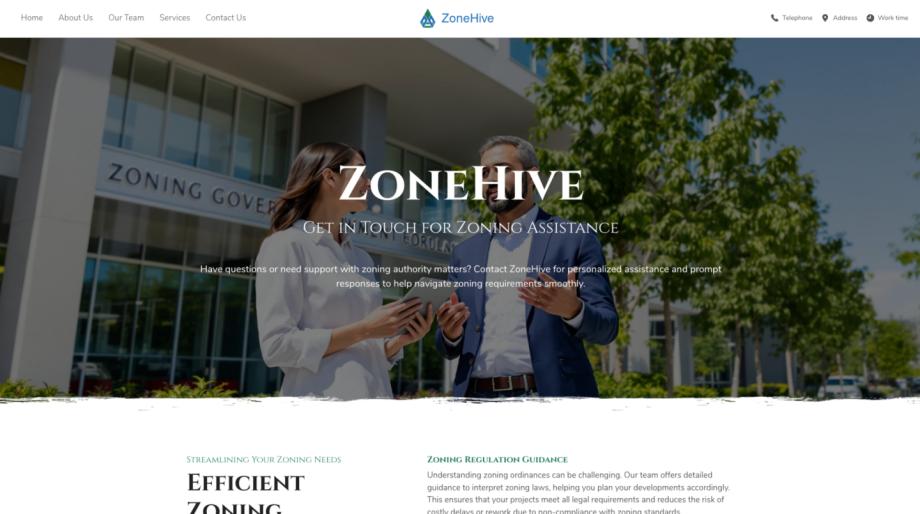
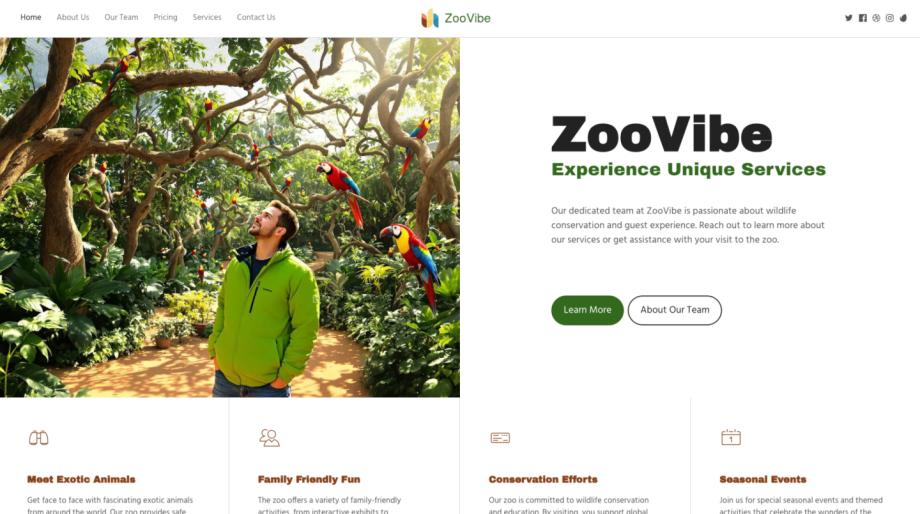
With templates tailored to specific industries-like retail or hospitality-you can jumpstart layout decisions and still personalize every section. For example, fashion retailers often benefit from gallery-first templates in the fashion retail category that showcase product photography and editorial content together.

Launch, grow, and manage: commerce, SEO, and ongoing creativity
If your goal is selling or scaling, free builders often include basic e-commerce features to accept payments, manage inventory, and set up product pages. Explore the fundamentals in the e-commerce guide so you can integrate a store that reflects your brand voice without complexity.
Driving traffic is an essential next step. Use built-in SEO settings to optimize titles, meta descriptions, and URLs; combining those tweaks with ongoing content and social sharing helps raise visibility. For actionable steps and tool recommendations, see the SEO optimization tools guide to learn how to prioritize keywords, improve site speed, and measure results with analytics.
Finally, treat your free site as an iterative canvas. Launch quickly with a focused MVP (minimum viable presence), then refine based on real-world feedback. Regularly update visuals, test new landing pages, and experiment with micro-interactions such as hover effects or animated calls-to-action. Consistent small changes maintain momentum and keep your creative muscles active without requiring a full redesign.
Free website builders are ideal for experimentation: they let you try layouts, test messaging, and validate ideas with an audience. By choosing the right builder, leveraging templates, prioritizing responsive design, and using basic e-commerce and SEO practices, you’ll turn a simple free site into a flexible platform for ongoing creative work. Start small, iterate often, and use the guides above to make each update smarter and more intentional.