
Why free tools can transform your site
You don't need a big budget to build a site that looks professional, loads fast, and converts visitors. A thoughtful combination of free tools-design assets, optimization utilities, and ready-made templates-lets you focus on user experience and brand clarity. If you're just getting started, check out resources that explain the basics of website creation and consider a free website builder to prototype quickly.

10 ways to enhance your website design with free tools
-
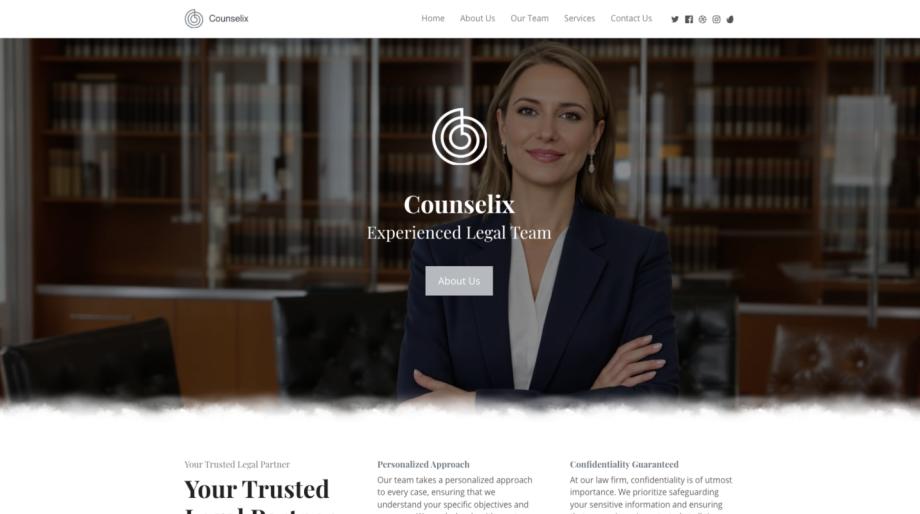
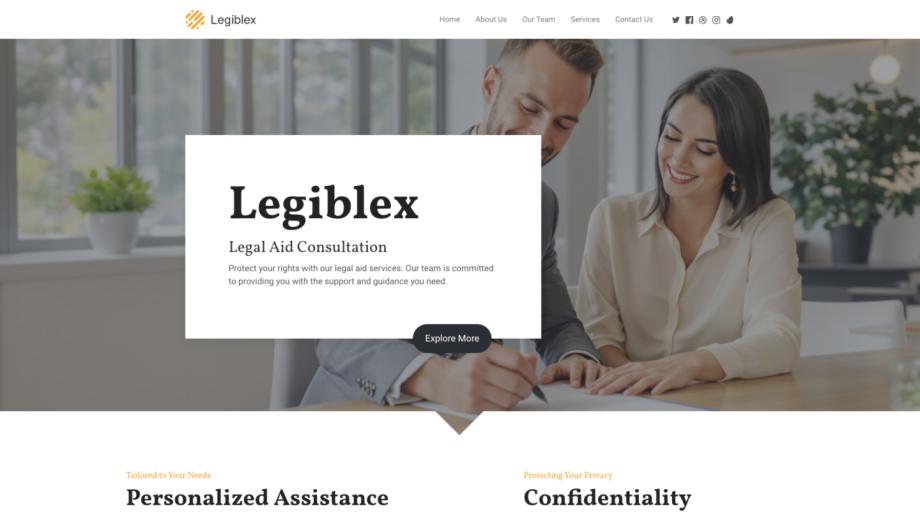
Start with a strong template - Use a polished template as your foundation to save time and ensure consistent layout and spacing. Free template libraries cover many industries, so you can pick one tailored to your needs and customize it to match your brand.
-
Prioritize responsive design - Ensure your pages look great on every device by testing and adjusting layouts with free responsive previews and guides. Follow responsive design best practices to keep images, navigation, and content readable on phones and tablets (responsive design tips are essential).
-
Refine your color palette - Use free color palette generators and contrast checkers to create accessible, on-brand combinations. Consistent color choices improve visual hierarchy and make calls to action stand out.
-
Choose readable typography - Free web font libraries let you pair headline and body fonts that reinforce your brand voice. Test sizes, line spacing, and weight combinations across breakpoints to ensure legibility.
-
Optimize images for speed and quality - Compress images with free tools before uploading and use the appropriate format for photos versus graphics. Faster images improve perceived performance and search rankings.
-
Use icons and illustrations - Free icon sets and SVG illustrations enhance comprehension without adding visual clutter. They're great for explaining services, features, or benefits in a compact way.
-
Improve layout with grid and spacing tools - Grid overlays and spacing checkers help you align elements consistently. A tidy layout guides the eye and boosts trust, especially on landing pages and product pages.
-
Test interaction and accessibility - Use free accessibility checkers and keyboard navigation tests to make sure everyone can use your site. Small fixes-like descriptive alt text and clear focus states-vastly improve usability.
-
Integrate free analytics and heatmaps - Understanding where visitors click and how they scroll informs design choices. Free analytics tools give insights you can act on, such as repositioning CTAs or simplifying forms.
-
Iterate quickly with A/B testing basics - Use low-friction testing strategies like swapping headlines, colors, or hero images and measuring results. Even simple tests can yield meaningful improvements in engagement and conversion.
Make templates and examples work for your niche
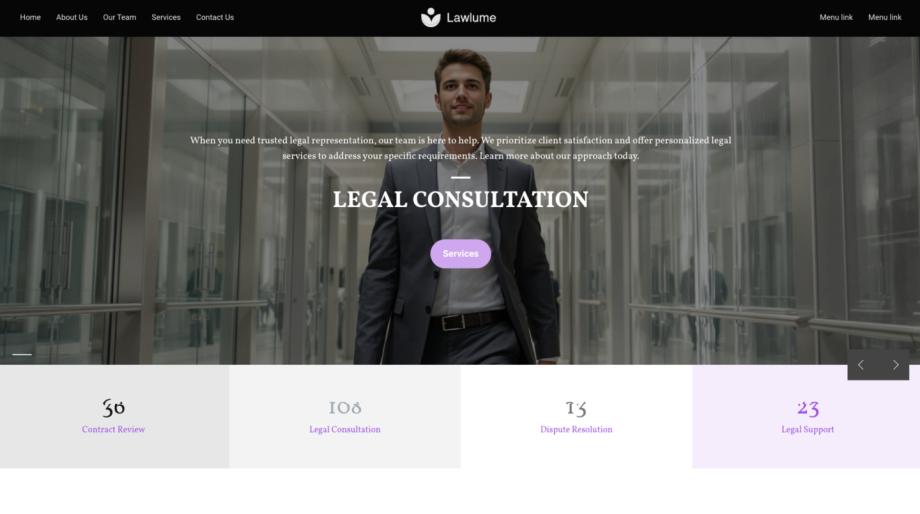
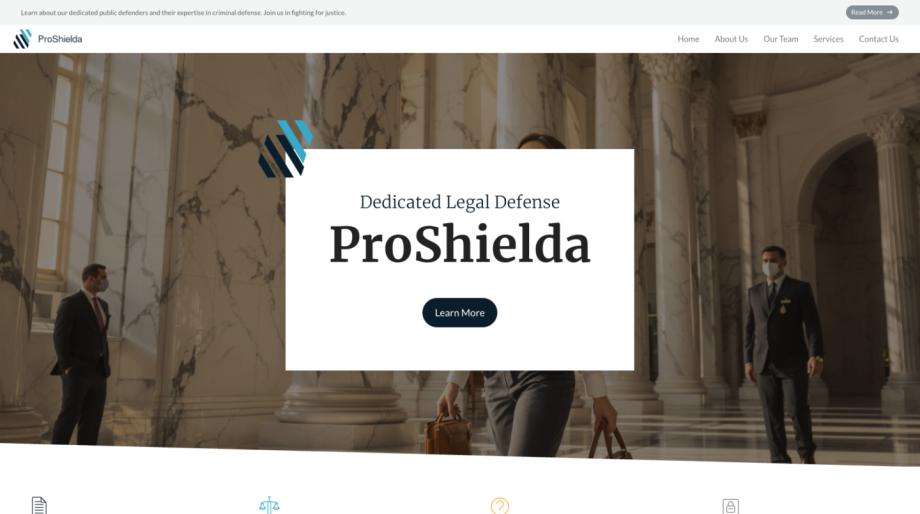
Templates save time, but picking one that reflects your audience matters. Browse a curated selection of website templates tailored to sectors like retail, hospitality, healthcare, and more. For example, a fashion store can start with a focused template such as fashion retail templates to showcase product imagery and collections, while a blog or portfolio can use personal site templates to highlight storytelling and case studies.
From design to launch: practical next steps
Once your visuals are in place, use free SEO and performance tools to make sure people find you. Implement basic on-page SEO, compress assets, and verify mobile usability-resources on SEO optimization tools can guide this process. If you plan to sell online, explore entry-level e-commerce tools and payment integrations to create product pages, carts, and secure checkout flows (e-commerce essentials).
Finally, adopt a habit of small, ongoing improvements. Make a checklist from the 10 ways above, monitor visitor behavior, and iterate monthly. With free tools and a clear process you can build an attractive, fast, and user-friendly website without breaking the bank.