Start with a clear plan
Before you open any editor, define what "professional" means for your site. Are you launching a portfolio, a lead-generation site for your service business, or an online store? Set concrete goals - for example, collect emails, showcase five case studies, or sell a first product - and identify the primary actions you want visitors to take. Sketch a simple sitemap: homepage, about, services/products, blog, contact. This plan keeps your build focused and prevents feature bloat.
Also decide on branding basics early: a short tagline, primary and accent colors, and two fonts (one for headings, one for body). These small constraints create visual consistency across pages and make the site look thoughtfully designed even without a professional designer.

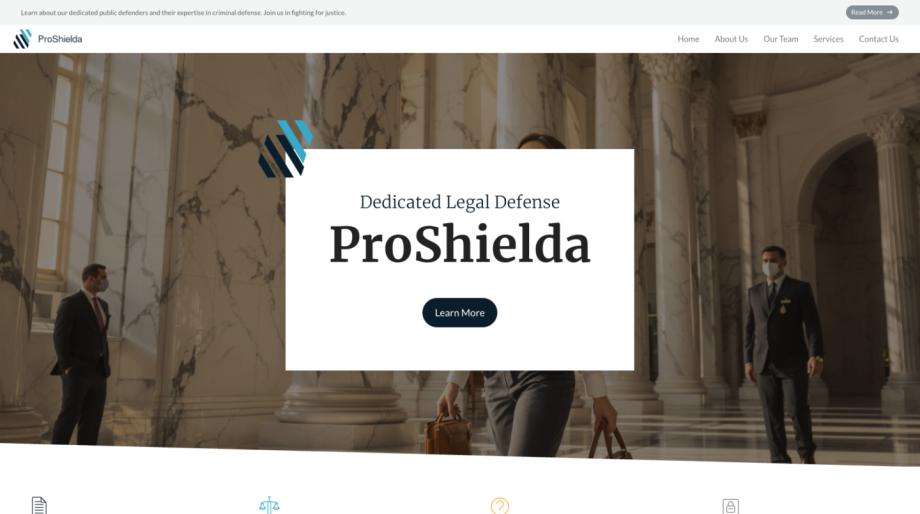
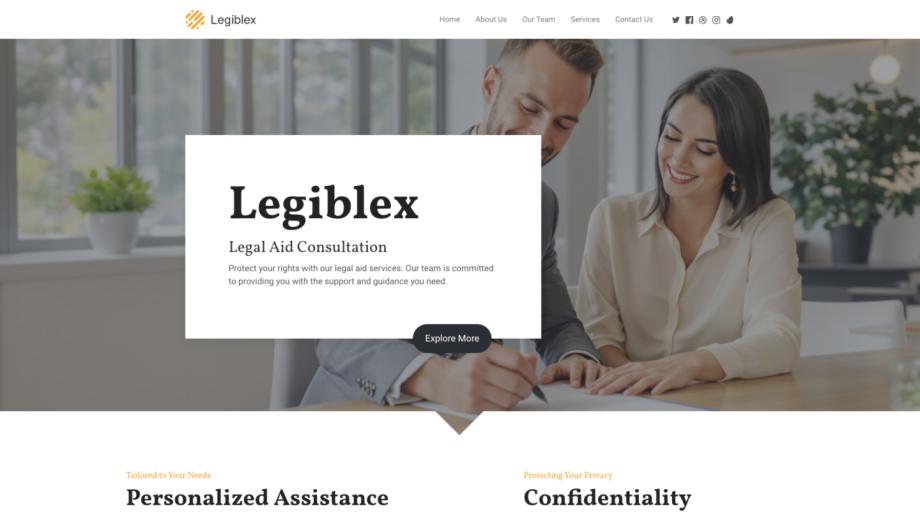
Choose the right builder and structure
Pick a website builder that fits your needs and skill level. Look for ready-made templates, responsive layouts, and a drag-and-drop editor so you can move quickly. If your goal includes selling products, make sure the platform supports e-commerce features like product pages, inventory, and payment processing. Many platforms expose a modular approach - start with a basic plan and add commerce modules like a dedicated shop when you're ready. A good builder should also provide responsive templates so your site looks great on phones and tablets without extra work.
When selecting templates, prioritize clean, content-first designs. Pages with clear visual hierarchy and ample white space read as more professional. If you're migrating existing content, check for importer tools to move pages, blog posts, and images seamlessly rather than copy-pasting everything by hand.
For hands-on editing, choose a platform with an intuitive visual editor and file manager so you can upload, replace, and organize assets quickly. These tools let you iterate fast and maintain a tidy media library as your site grows.
Design like a pro - no designer required
Use a few design rules to elevate your site: align elements consistently, limit your color palette to two or three tones, and stick to one or two font families. Use templates as the backbone, then customize: swap images, change headings, and adjust button styles. A visual content editor makes this easy - edit text inline, drag sections, and preview responsive views for phones and tablets.
High-quality images and simple iconography dramatically improve perceived professionalism. Replace stock images with authentic photos when possible, and use the platform's image editor to crop, resize, and optimize files before upload. Keep paragraphs short, use bullet lists for scannability, and write benefit-driven headlines that tell visitors what you offer in one line.
If you're building an online store, present products with clear photos, concise descriptions, and visible pricing. Organize products into categories and highlight a few bestsellers on the homepage. Good e-commerce functionality should let you manage sales, shipping options, and promotions without extra coding.
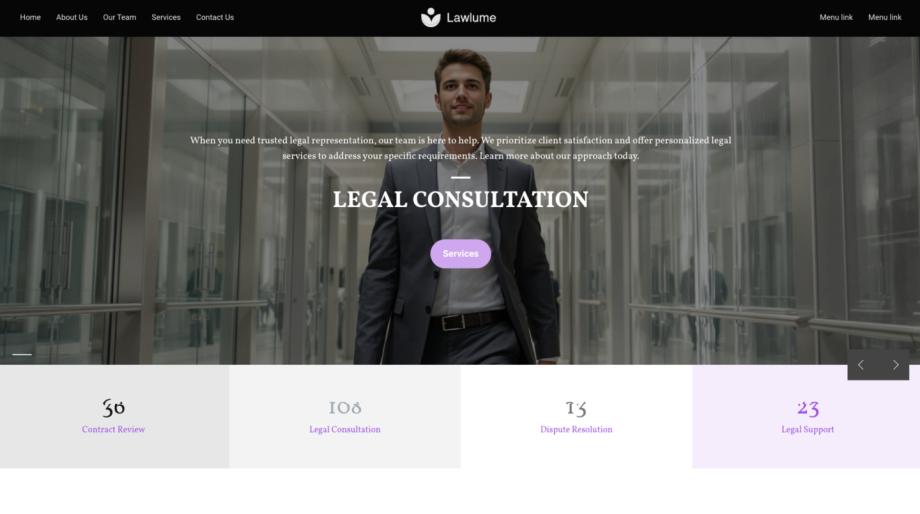
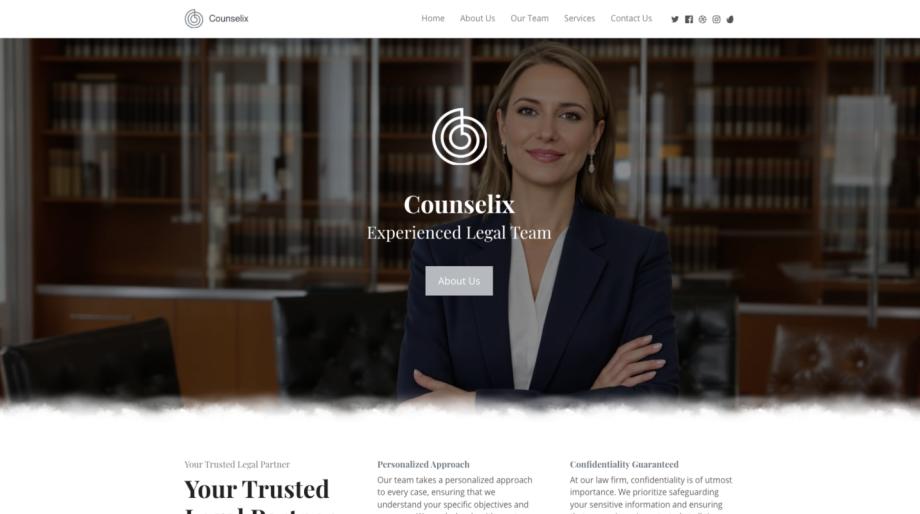
Launch, optimize, and grow
Before you publish, run a checklist: preview the site on mobile and desktop, test all forms and checkout flows, and check page load times. Make sure your site uses clear calls-to-action and that contact details are easy to find. Set up basic SEO - descriptive page titles, meta descriptions, and readable URLs - to help search engines and potential customers find you.
Once live, track engagement with analytics and listen to real visitor behavior. Use on-page tweaks to improve conversions: change button text, simplify forms, or add testimonials where people hesitate. For stores, monitor product performance and inventory, and use built-in analytics to decide which items deserve promotion.
Finally, leverage add-on features when you're ready: advanced SEO tools to boost visibility, enhanced e-commerce sales options for promotions, or a dedicated shop module for larger catalogs. Start simple, iterate based on data, and scale features as your business grows - you can build and run a professional website without hiring a designer by focusing on clarity, consistency, and tools that let you manage content and commerce efficiently.